Jewelry Product Photography: The Complete Guide
Why jewelry is the hardest product to photograph well, and how AI now fixes any starting photo into on-model, flat lay and 360-style shots, no studio required.
 Daria BazankovaPublished 7 Aug 202610 min read
Key takeaways
- Jewelry photos fail for predictable reasons: reflective metal, tiny scale, blown-out facets. AI now corrects all three from an ordinary source photo.
- The starting photo doesn't need a light box, a macro lens or a model booking. A phone photo of the piece on a plain surface is enough.
- AI can generate on-model, flat lay and 360-style versions from the same source photo instead of three separate shoots.
- Retouching AI polishes a photo you already like. Generation AI turns a rough one into a full listing set, and that's what most sellers without a studio actually need.
Jewelry breaks more product photos than any other category. A hoodie photographed in bad light still reads as a hoodie. A ring photographed in bad light turns into a blurry smear with a hot white blowout where the diamond should be. The scale is tiny, the surfaces are reflective, and shoppers zoom in expecting to see facets and prongs, which means the margin for error is close to zero.
None of that used to be fixable after the fact. It meant a light box, a macro lens and a fair amount of trial and error before you got a usable shot. That's no longer the constraint. Whatever the starting photo looks like: uneven kitchen light, a visible reflection, a slightly soft focus, AI can now correct it and generate the shot types a listing actually needs. This guide covers what makes jewelry hard to photograph, then focuses on the part that matters most today: what AI can do with whatever photo you already have.
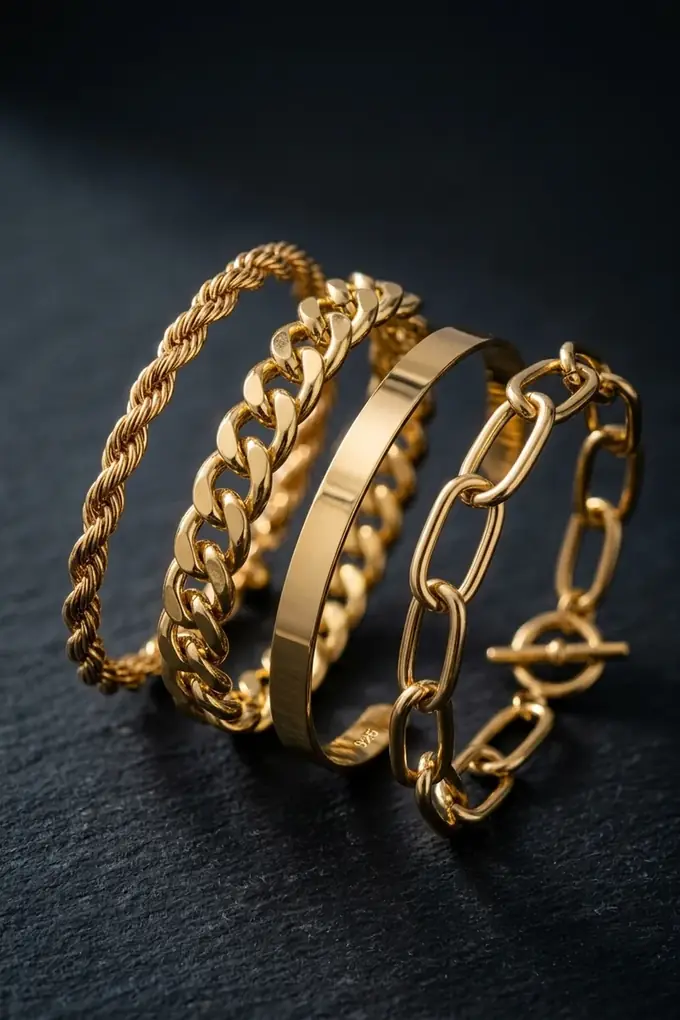
1. Why jewelry punishes bad photography more than other products
Three things stack against you at once. Scale: most pieces are effectively photographed at macro distance, so any shake or soft focus is immediately visible. Reflectivity: polished metal bounces every light source in the room back at the lens, including the photographer. And facets: a cut stone is designed to scatter light in a dozen directions, which is beautiful in person and chaotic under a single hard light.
For years, none of this was solvable after the photo was taken. You controlled the light before it reached the lens, or you lived with the result. That's the part AI now handles differently: not by getting the shot right the first time, but by correcting it afterward.
2. What a jewelry photography kit used to solve, and what AI solves instead
A traditional jewelry photography kit exists to prevent three problems: reflections, blown-out facets and soft macro focus. It's worth knowing what each piece of gear was for, because AI now solves the same three problems from the other direction, after the photo is taken rather than before it.
The best camera and lens for jewelry photography used to matter a lot: a dedicated macro lens, or nothing, because handheld phone shots couldn't hold focus at 2 to 5 cm from the piece. A jewelry photography light box solved reflections by diffusing light before it hit the metal. Props (a hand, a neck, a ring cone, a slate backdrop) solved scale and context.
AI generation addresses all three from a single, ordinary photo. It reconstructs how the metal and stone should read under even light, regardless of what light was actually in the room. It infers scale and shape well enough to place a flat piece convincingly on a model or a hand. And it sharpens facet and prong detail that a phone's autofocus missed. The equipment isn't wrong to own, it's just no longer required to get a usable set of listing photos.
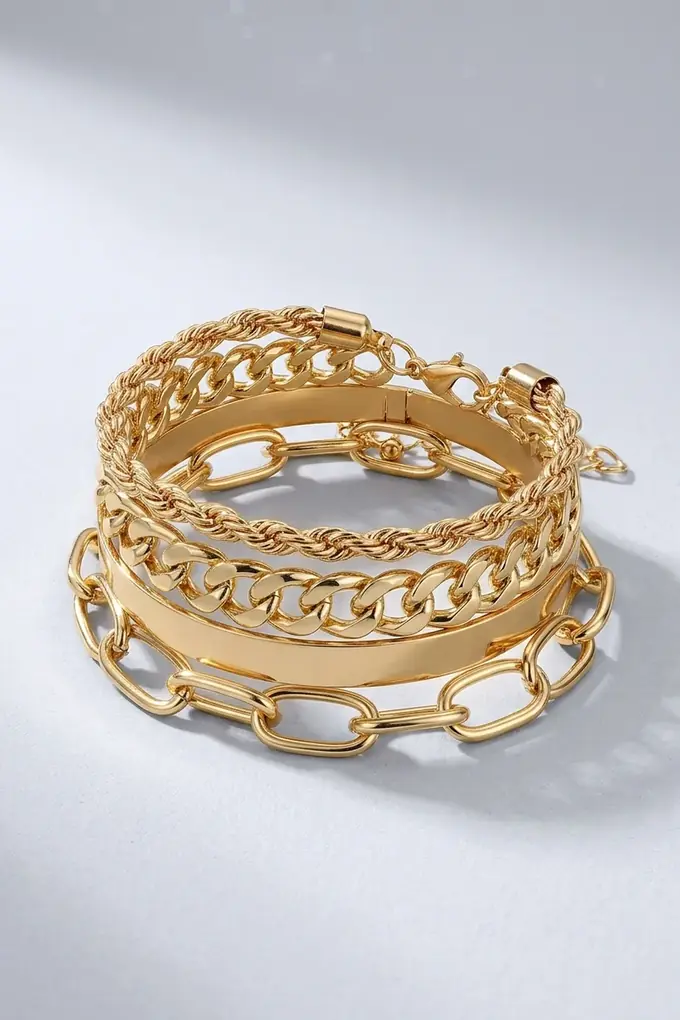
3. How AI removes reflections and fixes lighting
Reflections and blown-out facets are the two failure modes that ruin more jewelry photos than anything else, and they're also the two things AI correction is best at. Instead of two diffused lights at 45° and a careful rotation of the piece, the correction happens after the photo is taken: the model reconstructs how the metal and stone should read under even, diffused light, based on the actual shape of the piece in the source photo.
This is the difference between a snapshot that says “jewelry” and a photo that makes someone stop scrolling: the kind of finish luxury jewelry photography relies on to signal quality before a shopper reads a single word of the listing. Getting there no longer depends on getting the lighting right on the first try.
You don't need a light box, a macro lens or a stack of props to get there. See what one phone photo turns into →
4. On-model, flat lay or 360°, generated from one photo
Each format answers a different buyer question, and AI can now produce more than one from the same source photo instead of three separate shoots.
- On-model. Answers “how does this actually look worn?” Essential for necklaces, earrings and anything where scale against a body matters. This is what jewelry model photography searches are usually after, and it no longer requires booking a model.
- Flat lay / detail. Answers “what does the craftsmanship look like up close?” This is where macro jewelry photography earns its place: clasps, prong settings, engraving. AI sharpens this detail even when the original photo is soft.
- 360°. Answers “what does it look like from every angle?” A full rotation still works best from a few source angles rather than one, but AI keeps lighting and background consistent across every frame, which used to be the hardest part of a turntable set.
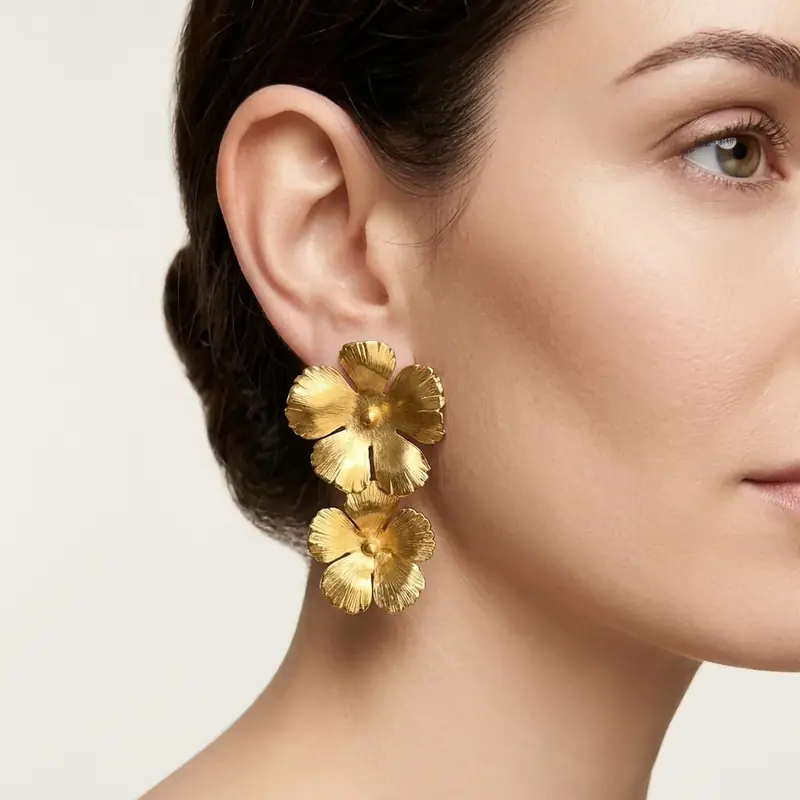
5. Generation vs retouching: two different AI jobs
Two different things get called AI jewelry photography, and it's worth telling them apart. Retouching AI (jewelry retouching ai) takes a photo you'd already consider publishing and cleans it up: dust removal, background cleanup, sharper facets, evened-out exposure.
Generation AI (an ai jewelry model generator, or ai jewelry photography more broadly) takes a photo you'd never publish as it is: uneven light, a distracting background, a piece just sitting on a desk, and produces the on-model, flat lay and detail versions from it.
Most sellers without a studio need generation, not retouching, because there was never a clean base photo to retouch in the first place. That's the gap generation-focused tools are built for: they work from whatever photo you actually have, not the one a retouching tool would need as a starting point.
6. Turning jewelry photos into video
A short video loop (light catching the stone, a slow rotation) does more for perceived quality than a static hero shot, and it's now one of the cheapest additions to a listing. From the same source photo used for the on-model and detail shots, AI can add a few seconds of motion, a subtle rotation or a light sweep across facets, that works as a scroll-stopping thumbnail on Etsy, Shopify or an Instagram product tag, without a second shoot and without filming anything.
Frequently asked questions
Less than it used to. A phone photo taken under normal indoor light, even with a visible reflection or a slightly soft focus, gives an AI generator enough information about the piece's shape and material to work with. A photo where the piece is in focus and fills the frame produces the cleanest result, but a light box setup is no longer a requirement.
No. A macro lens and a jewelry photography light box used to be the way to avoid reflections and capture facet detail. AI now corrects reflections and sharpens detail after the photo is taken, so the equipment is optional rather than required.
Yes, for both on-model and flat lay formats. Current AI product photography tools handle reflective metal and faceted stones convincingly from a single reference photo, and fine detail like engraving improves further with a second reference photo of that area.
Etsy, Shopify, Amazon Handmade and Instagram/TikTok Shop are the most common starting points for independent jewelry sellers. Each has different photo requirements and audience expectations, which is its own guide (coming soon in this category).
Daria Bazankova
Writes about e-commerce imagery and AI at Amplyar.