
Free virtual try-on
The free virtual try-on app — see any pin on yourself
Amplyar's free virtual try-on app lets you preview outfits, nail designs, and more on your own photo from any Pinterest pin.

Pick a category — the virtual try-on app works across all of them
Fall nails 2026
Virtual nail try on — 10 designs ready
Fall outfits 2026Virtual try on clothes — 10 looks ready
Hair · Accessories · Summer
Coming soon
Try any look — featured this week
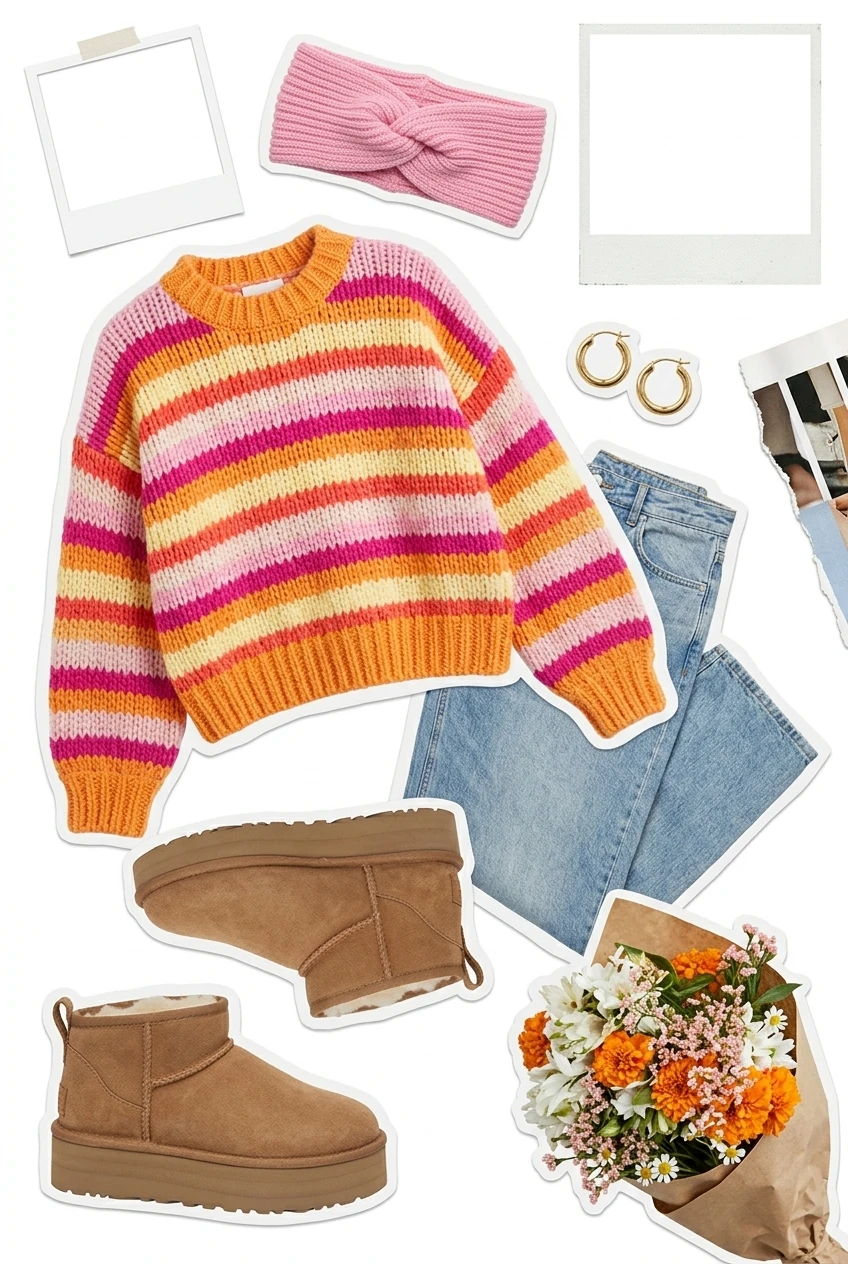

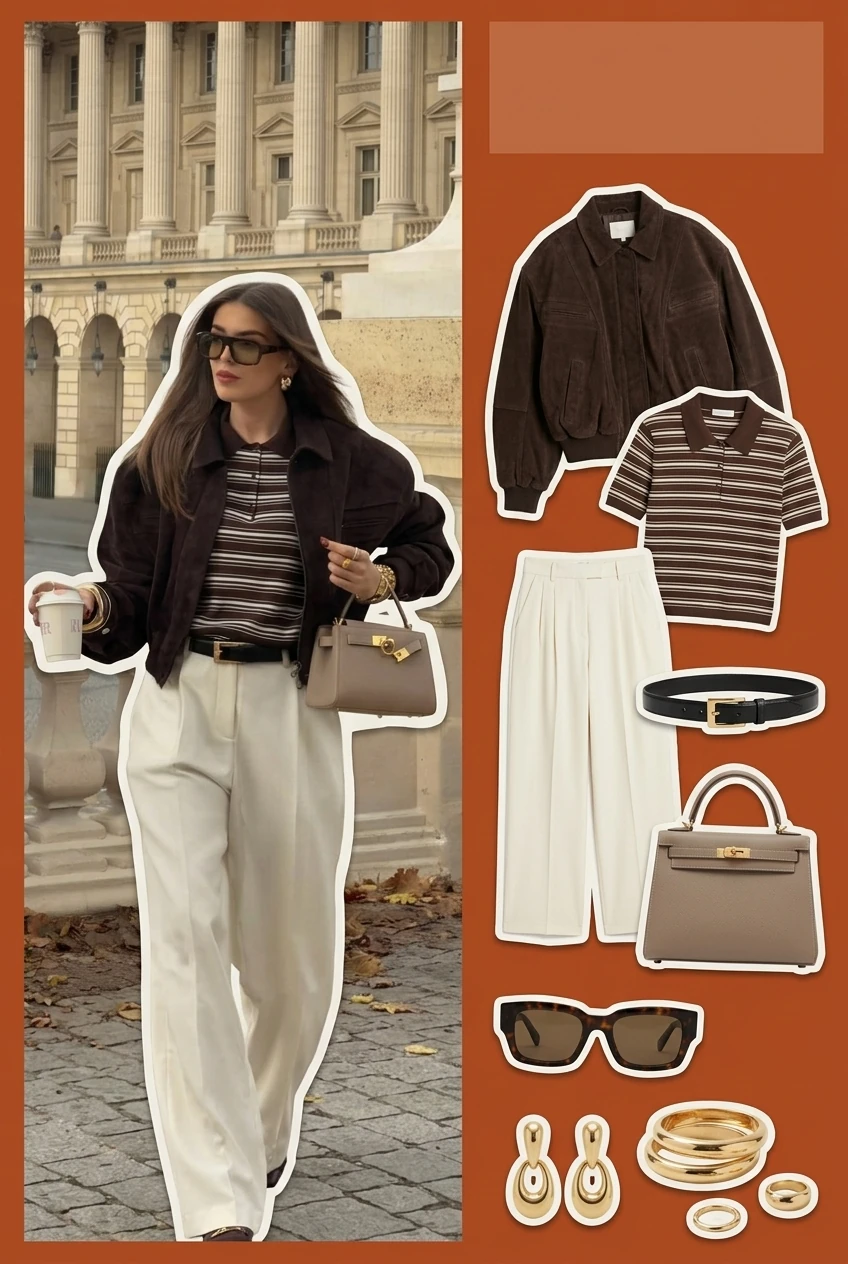

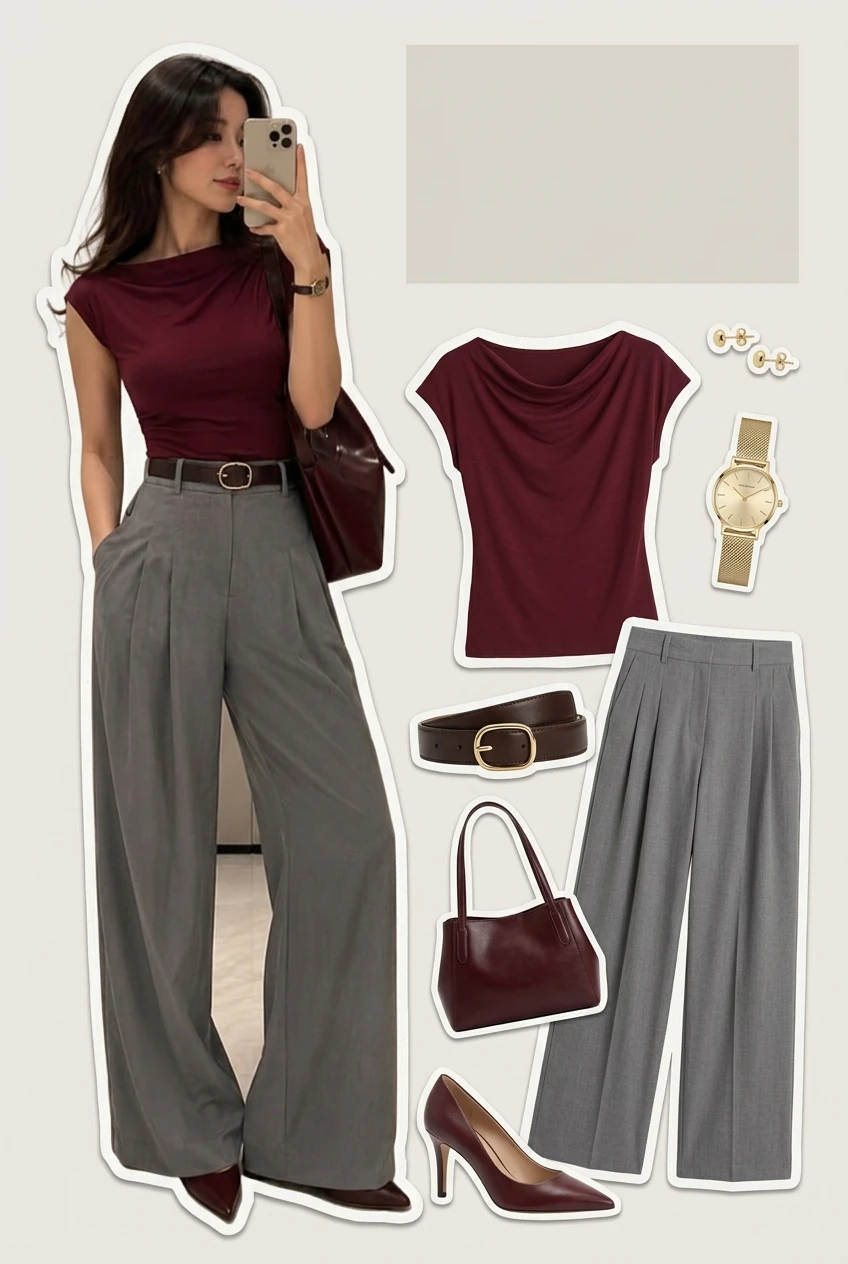

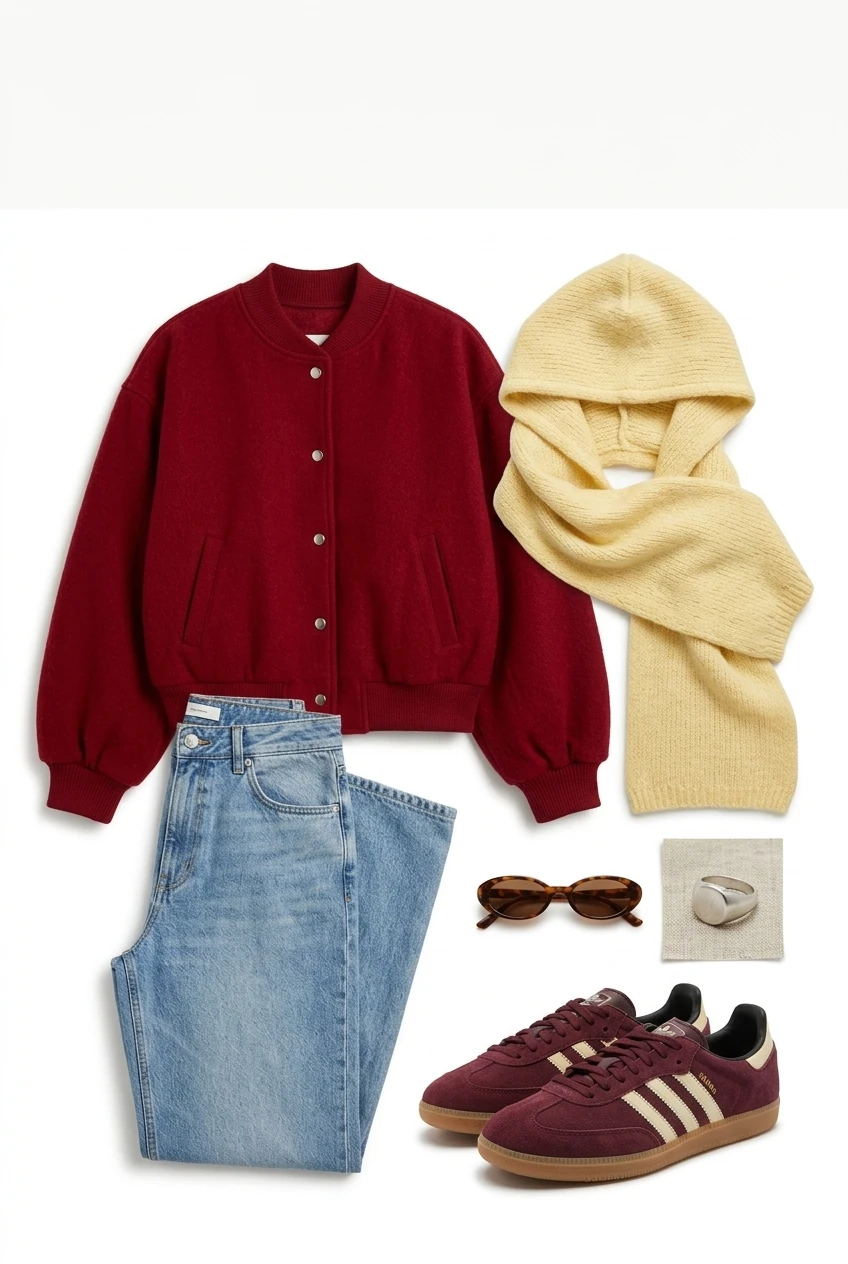
How the virtual try-on app works — three steps
Pick a look.
Save a Pinterest pin, or pick a design from the featured grid above.

Upload your photo.
Full body for outfits, your hand for nails. The free virtual try-on deletes your photo after your session.

See it on you.
The AI virtual try-on renders the look in seconds. Save it, share it, decide.
The virtual try-on Chrome extension — try before you click "add to cart"
Install the free Chrome extension and a small "Try on me" button appears next to the pins you save on Pinterest. One click renders the item on your last uploaded photo — no new tab, no account barrier. Try on clothes online free before you spend.

The virtual try-on mobile app — Pinterest, straight to a render
The iOS and Android AI try-on app plugs into your Pinterest. Open any pin from your Fall nails or Fall outfits board, tap the Amplyar share icon, see the look on your photo. Your saved try-ons live in-app for the next shopping decision or salon booking.
Trusted by shoppers who save before they spend
Free, forever
The free virtual try-on is actually free. No credits, no watermark.
No signup to try
Upload a photo, see the result, decide if you want to save.
Private by default
Your photo is deleted after your session.
Best virtual try-on app for Pinterest shoppers
One tool, every pin.
Frequently asked — virtual try-on app
Be first on the Amplyar virtual try-on app
Join the waitlist — early access to the Chrome extension and iOS/Android app, plus first drops of 2026 trend try-on packs.